|
On supported Unix-type OS (Linux variants, FreeBSD, OpenBSD)
clone the repo,
compile and run. Windows users can follow the same steps by using Cygwin. |
☞
|
git clone --depth 1 https://github.com/schaban/draw-walkthrough.git
|
|
☜
|
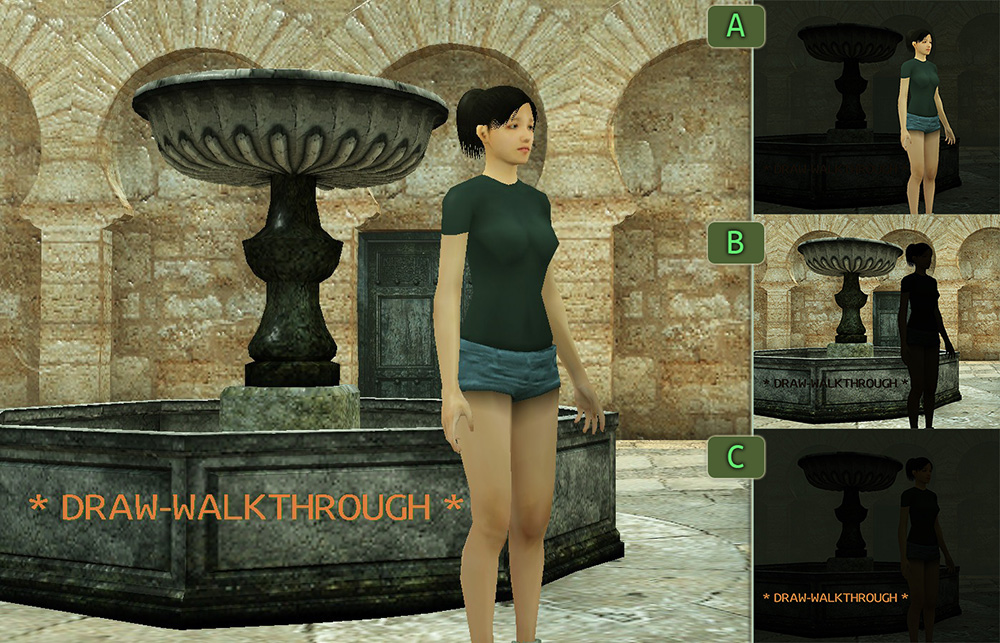
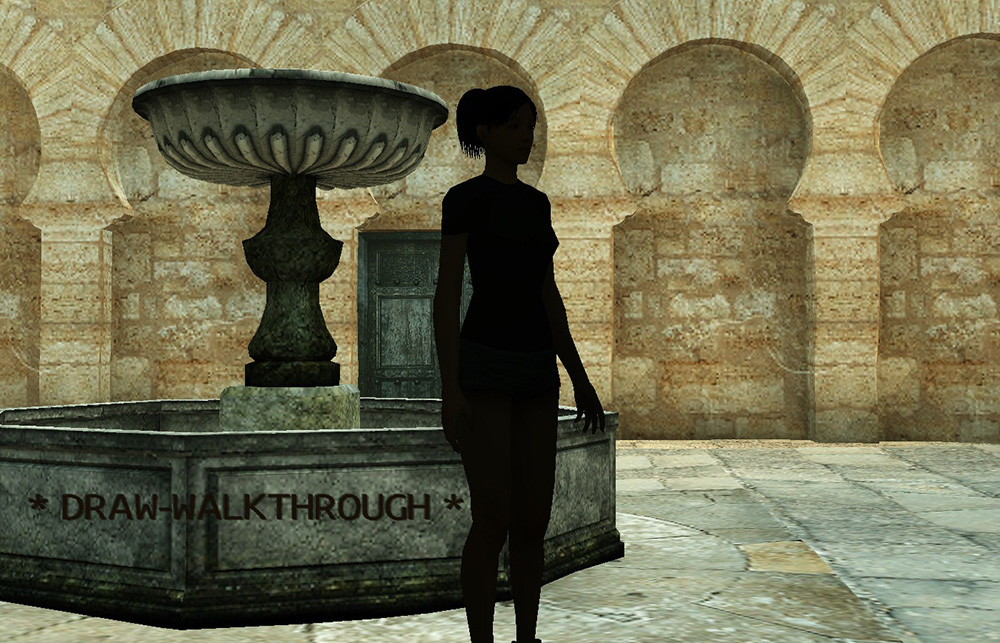
Scene displayed after compiling and running the sample program will
look similar to what's shown on the left side of this image.
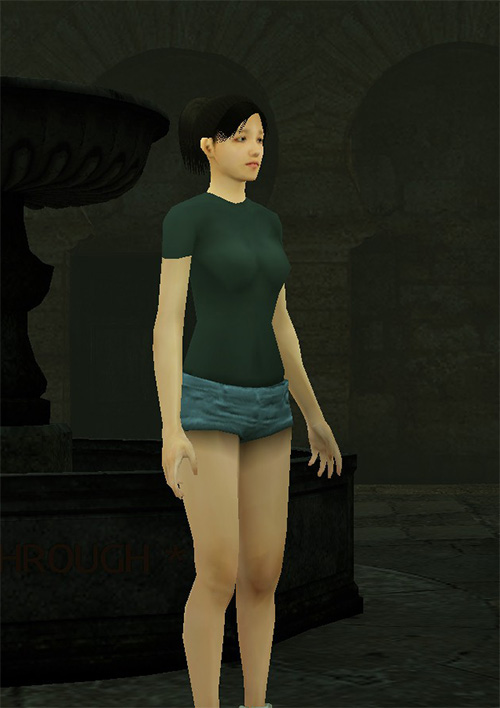
Conceptually this scene can be split into three distinct types of objects: A - animated character, deformable model; B - background stage, static model; C - text message; |
|
|
|
|
|
☝︎
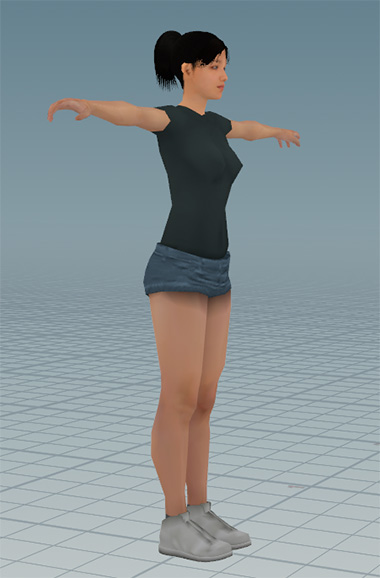
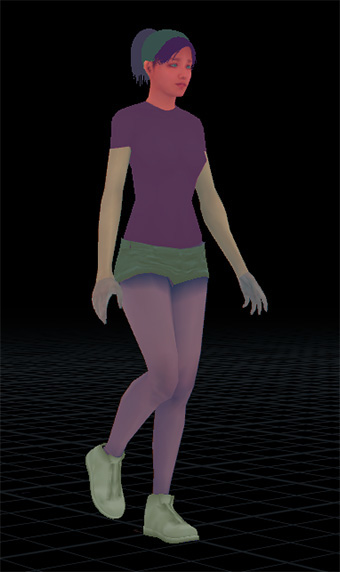
Of these three types animatedcharacter is the most complex. |
☝︎
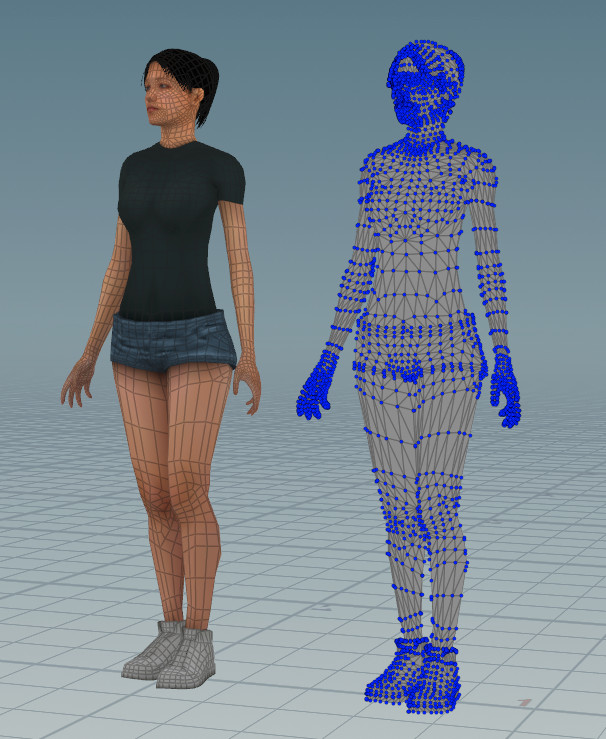
Base geometry in rest position.
|
☝︎
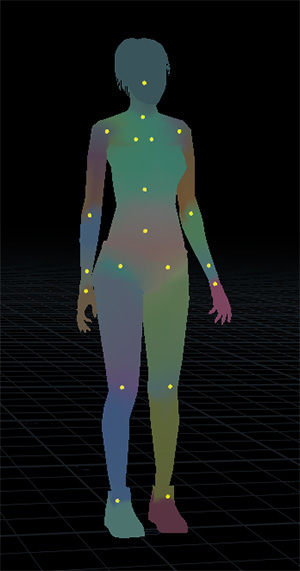
Weights and joints.
|
☝︎
Batches.
|
|
Regardless of what types of primitives were used for modeling, the most common representation for real-time rendering is a set of points and how these points are connected into triangles. Points in this context are called vertices and connections are stored as indices. An animated character model is controlled by a skeleton, a hierarchy of joints. Additional attributes can be assigned to vertices. E.g. for a model animated by joints, which joints and with what weight influence a vertex is the type of information stored in this manner. Additionaly, the whole list of triangles comprising a model, can be split into groups, called batches, based for example on textures assigned to different parts. |
☞
|
|
|
|
|
|
☝︎
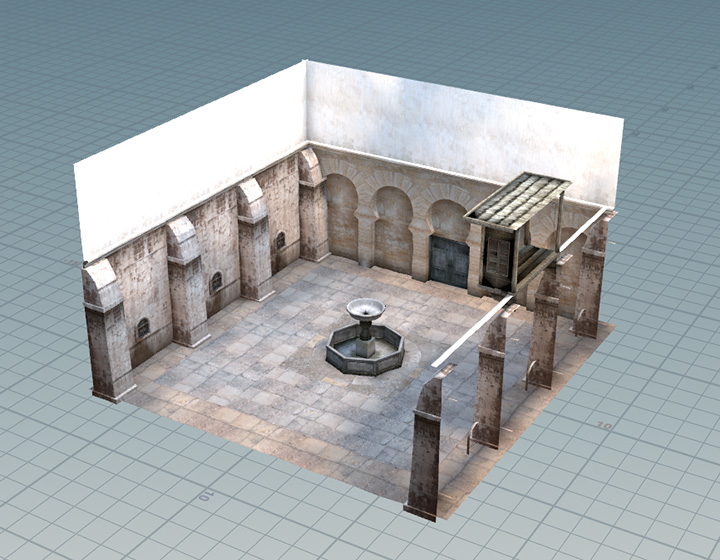
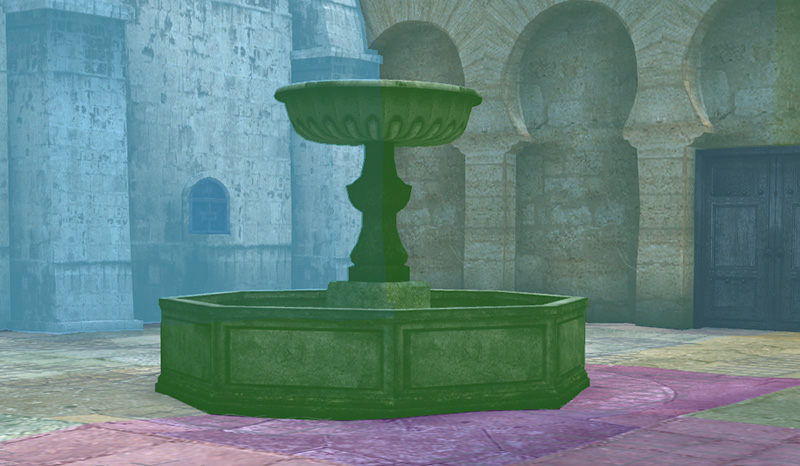
Stage model is static, so there isno need to deform or even move it, so this object type is much simpler. |
☝︎
Only model geometry is needed,no weights and joints. |
☝︎
But it's still split in separatebatches for drawing. |
|
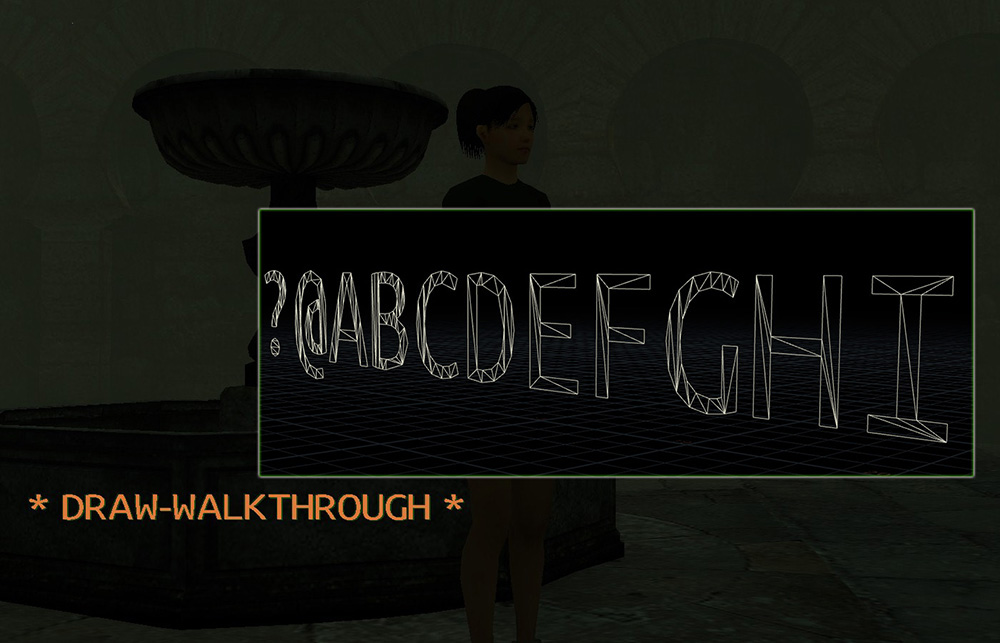
Text is the simplest type. It depends on font geometry data, where each letter's shape represented as a set of triangles. That is, each such shape is similar to a batch in model data. Complete message is diplayed by drawing its letters one by one. |
☞
|
|
Rendering in this example is abstracted from a particular graphics API with the interface shown below,
declared in draw.hpp:
struct Ifc {
	...

	void (*init)(const int shadowSize, cxResourceManager* pRsrcMgr, Font* pFont);
	void (*reset)();

	int (*get_screen_width)();
	int (*get_screen_height)();

	cxMtx (*get_shadow_bias_mtx)();

	void (*init_prims)(const uint32_t maxVtx, const uint32_t maxIdx);
	void (*prim_geom)(const PrimGeom* pGeom);

	void (*begin)(const cxColor& clearColor);
	void (*end)();

	void (*batch)(cxModelWork* pWk, const int ibat, const Mode mode, const Context* pCtx);
	void (*prim)(const Prim* pPrim, const Context* pCtx);
	void (*quad)(const Quad* pQuad);
	void (*symbol)(const Symbol* pSym);
};
This document walks through a very basic implementation using OpenGL.
Initial code is in draw_simple_ogl.cpp
The two highlighted calls in the above interface are what's necessary
to implement to display the sample scene:
symbol to draw the text, batch to render both types of models.
./run.sh -draw:simple_ogl
|
☜
|
Launching the sample program like this will select draw-interface implementation from draw_simple_ogl.cpp. |